SpaceController
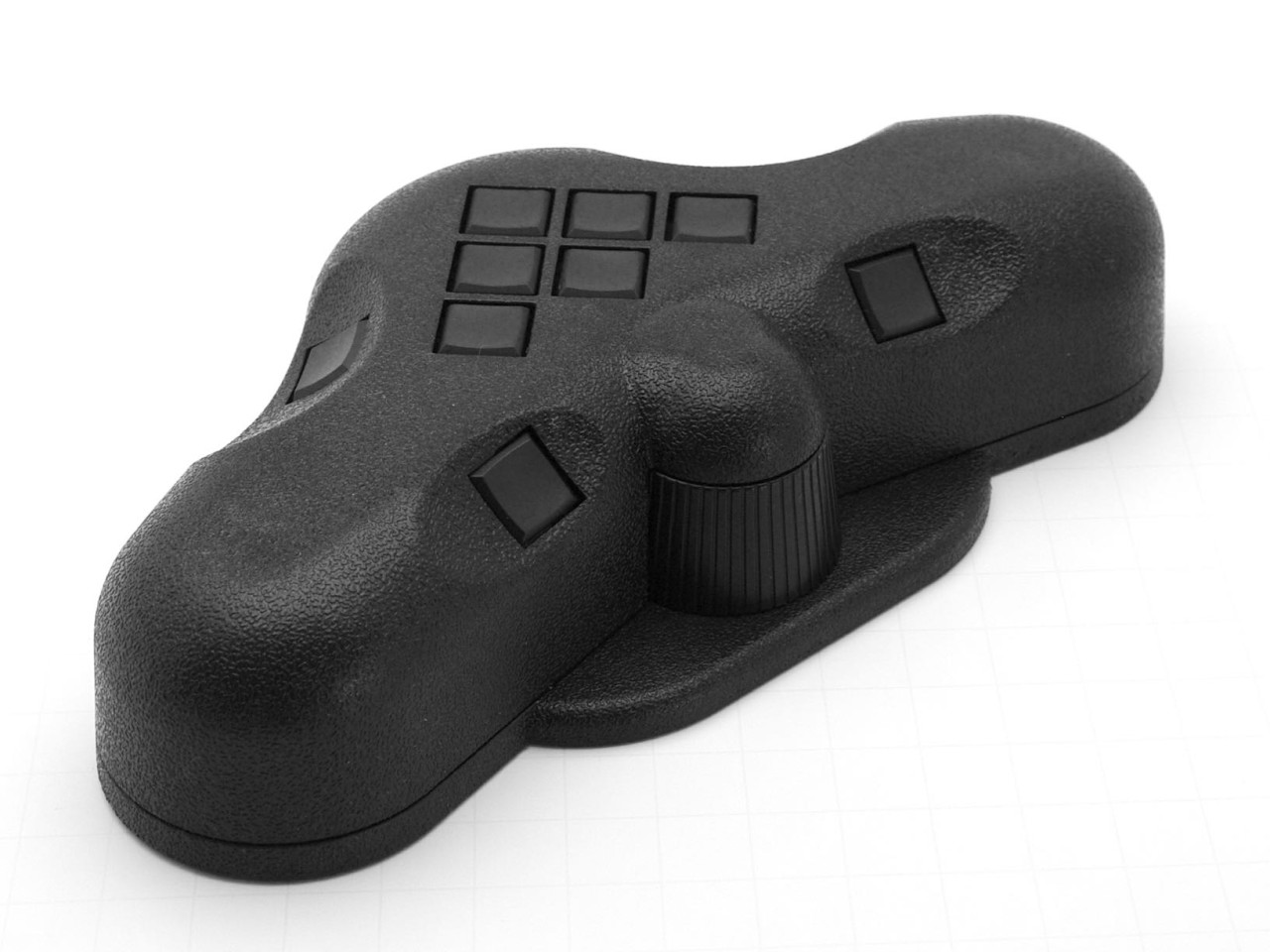
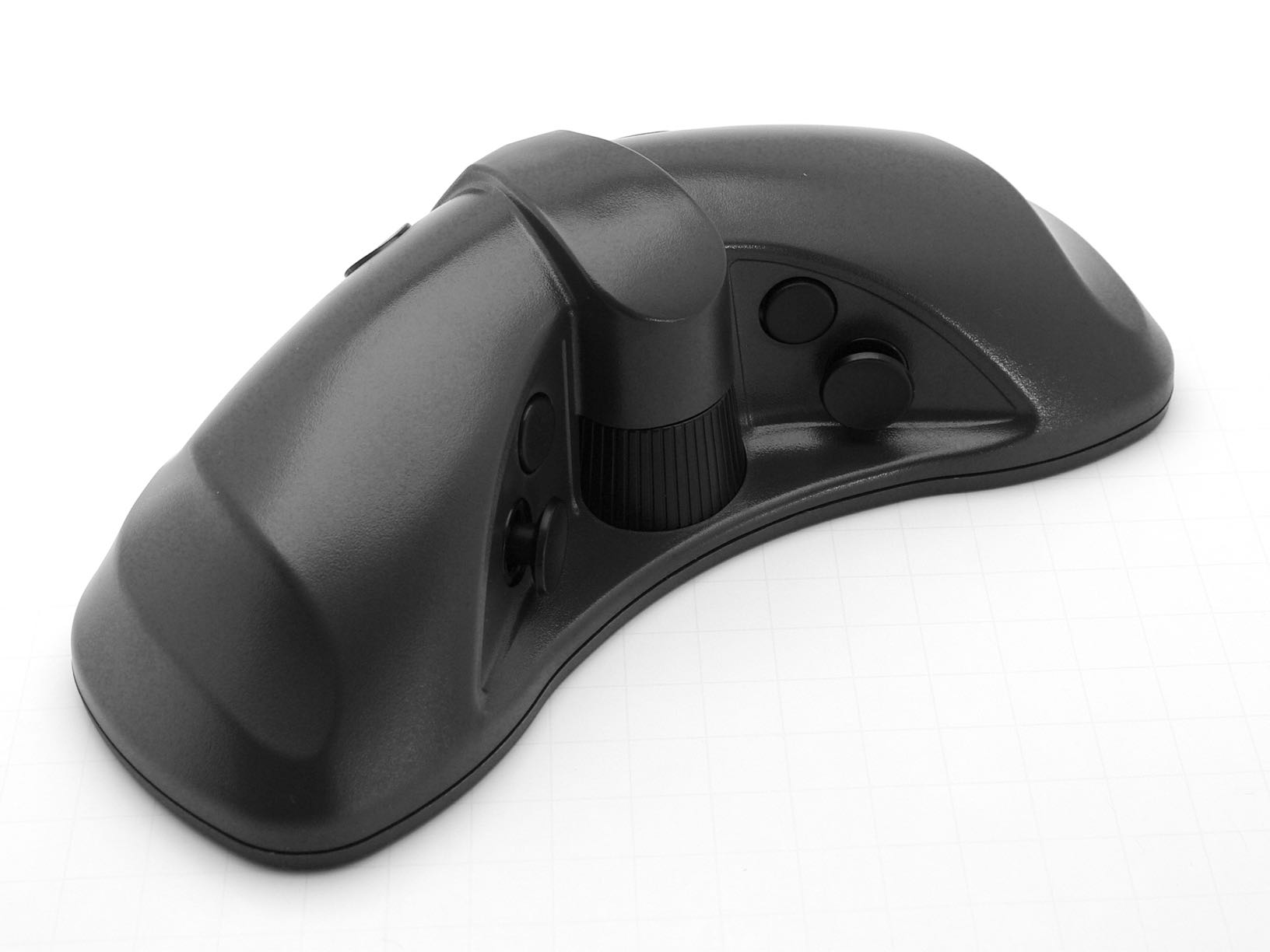
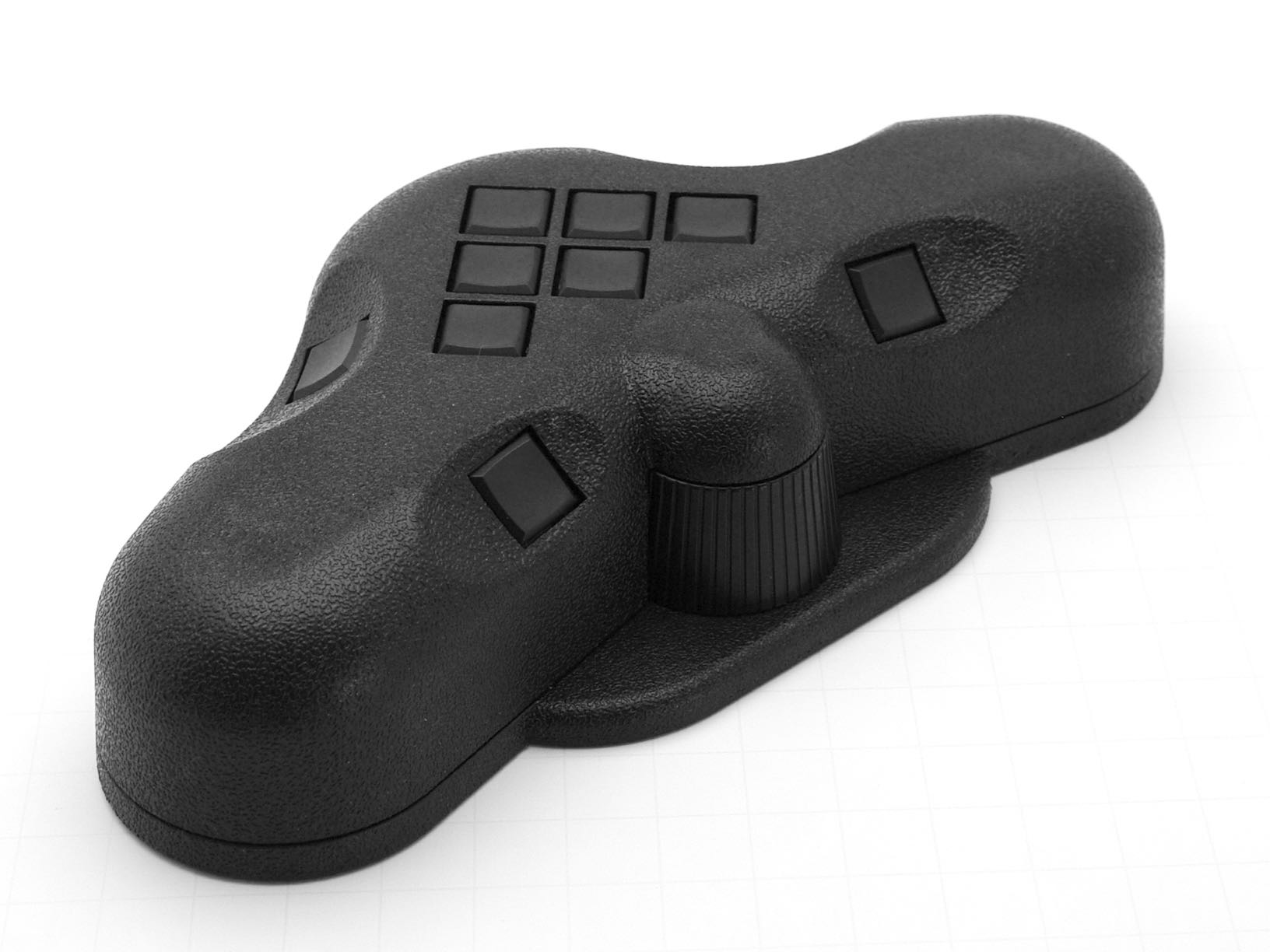
The SpaceController has 17 freely configurable buttons with dual-function key assignments. View buttons provide front, top, and side views at the press of a thumb. Includes Fit, Deselect, and rotation controls, with USB-B connection. Also functions as a standalone 3D display.
The SpaceController has 17 buttons. These are freely configurable with the control software (with the exception of the panel and menu buttons). Each key saves two functions: a single key press triggers the first function, a double key the second.
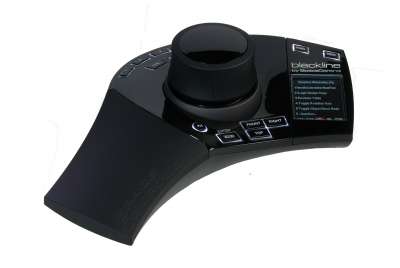
The assignment of the six special function keys can be seen in the display. The view buttons (front view, top view and side view with just one push of a button) are easily accessible with the thumb. A double press changes the view on the other side.
The Fit button moves an object so that it is always 100% visible. The Deselect button deselects an object in the software so that it can be individually manipulated. The two rotation buttons allow you to rotate the objects in different directions.
The 3D display updates with the help of a mini USB-B cable connection. In addition to the use as a SpaceController, it can also be used as a standalone 3D display.